





Discover 2025's top Help Scout alternative solutions
Switch to LiveAgent, the ultimate Help Scout alternative! Enjoy 24/7 support, 180+ integrations, AI-powered features & a 30-day free trial.
4 min read

Compare the best Help Scout alternatives for 2026 with advanced features, better integrations, and cost-effective pricing.
Help Scout has been a go-to tool for many businesses. However, as customer needs grow more complex, and as pricing models across the help desk market keep shifting, the search for a Help Scout alternative has only gotten more common. This guide explores the best Help Scout alternatives for 2026, focusing on their features, current pricing, and where each one genuinely improves on Help Scout’s customer service capabilities.
While Help Scout has simplified customer service, it might not be the perfect fit for every business. Here are some reasons why businesses turn to Help Scout competitors:
It’s essential for businesses to choose software that addresses their particular needs, especially given the impact of negative customer experiences. Exploring alternatives could lead to a tool that better aligns with a company’s specific goals, feature requirements, and budget.
| Platform | Capterra rating | Integrations | Free version | Free trial | Price range |
|---|---|---|---|---|---|
| LiveAgent | 4.7 | 200+ | ✅ Yes | ✅ Yes | $15–69/agent/mo |
| HubSpot Service Hub | 4.4 | 1,500+ | ✅ Yes | ✅ Yes | $15–90+/seat/mo |
| Jira Service Management | 4.5 | 3,000+ | ✅ Yes | ✅ Yes | $20–51+/agent/mo |
| TeamSupport | 4.4 | 20+ | ❌ No | ✅ Yes | $29–49/agent/mo |
| Freshdesk | 4.4 | 1,000+ | ✅ Yes (limited) | ✅ Yes | $19–89/agent/mo |
Pricing shown is on annual billing as of mid-2026 and reflects entry-to-mid tiers; check each vendor’s pricing page for the latest figures, monthly-billing rates, and any add-on costs such as AI usage fees.

Start your free trial today and see results within days.
LiveAgent distinguishes itself as a robust Help Scout alternative: an adaptable, cost-effective help desk platform with over 175 features, a user-friendly interface, and affordable pricing. Additionally, LiveAgent offers reliable 24/7 customer support, catering to all users.
Adding to its appeal, LiveAgent integrates with over 200 third-party applications. Some of its key integrations include Shopify, WooCommerce, Magento, Jira, Slack, Pipedrive, Zoiper, and Salesforce.
LiveAgent stands out as one of the best Help Scout alternatives from the price point to the customer service it provides, and unlike some competitors, AI features come bundled into every plan rather than billed separately per resolution. Considering that the first-contact resolution rate for call centers typically sits in the 70–75% range, LiveAgent’s built-in call center feature is a genuine advantage if you want to deliver assertive customer support without constant follow-ups.
The bottom line: if you’re looking for an easy-to-set-up, affordable, well-supported all-in-one help desk, LiveAgent is worth serious consideration.
Features common to LiveAgent and Help Scout:
Features not present in Help Scout:
Small to medium businesses. LiveAgent’s all-in-one customer service solution caters to numerous industries, from automotive to eSports. Its flexibility serves small to medium-sized businesses well, and larger organizations also use it for its depth of channels and automation.
LiveAgent offers a free 30-day trial and four pricing tiers, billed annually:
LiveAgent periodically runs promotional discounts (for example, a percentage off for new annual subscribers), so it’s worth checking the current pricing page for any live offer before you sign up.
"The experience from our end has been a reliable one. From implementation to usage, LiveAgent has always been at the top most level in ensuring that we are able to meet our customer support delivery needs in the best way we know how. This allows us to give our customers a satisfying experience by delivering real-time support to their inquiries and ensuring they are always contented with the services that we offer."Capterra Review
As a Help Scout alternative, HubSpot Service Hub offers a robust customer service platform that empowers businesses to build better customer relationships. HubSpot Service Hub integrates with a wide range of third-party applications including Slack, Gmail, and Salesforce, enabling an efficient workflow, and it sits inside HubSpot’s broader CRM suite alongside Marketing and Sales Hub.
Note that HubSpot moved to a seat-based pricing model in 2024, and its per-seat pricing has changed materially since then. Its real-time analytics and CRM ties-in remain standout features versus Help Scout, particularly for teams that want service data flowing straight into the same record as sales and marketing activity.
In summary, if your business values CRM-connected reporting and doesn’t mind a steeper price jump at the mid tier, HubSpot Service Hub is a strong, if pricier, alternative.
Features common to HubSpot Service Hub and Help Scout:
Features not present in Help Scout:
Medium to large businesses that already use (or plan to use) HubSpot’s CRM, Marketing, or Sales Hub and want customer service data unified with the rest of their revenue stack.
HubSpot’s pricing is seat-based across Free, Starter, Professional, and Enterprise tiers (annual billing):
Because HubSpot bundles Service Hub with its other Hubs at a discount, it’s worth comparing the standalone Service Hub price against the Customer Platform bundle price if you’ll use more than one Hub.
Jira Service Management , part of Atlassian’s product suite, stands out as a remarkable Help Scout alternative for IT-leaning teams. It integrates with an extensive range of third-party applications, including Slack, Confluence, Opsgenie, and Bitbucket.
Jira Service Management impresses with a customizable dashboard, strong issue management, and calendar and change management tools that Help Scout lacks. It’s particularly well suited to IT teams and service desks, thanks to its ability to track and manage issues alongside a virtual-agent layer for common requests.
In short, if you’re an IT team or service desk that wants ITSM-grade features rather than a pure email-first inbox, Jira Service Management is worth a serious look over Help Scout.
Features common to Jira Service Management and Help Scout:
Features not present in Help Scout:
Medium to large businesses, particularly IT teams and service desks that need proper ITSM workflows (incidents, problems, changes, assets) rather than a simple shared inbox.
Jira Service Management uses per-agent pricing on Atlassian’s Cloud plans (annual billing):
Both platforms serve a similar market, but their pricing philosophies differ: LiveAgent bundles AI and call center features into flat per-agent tiers, while Zendesk layers AI and workforce add-ons on top of its Suite plans. See the Zendesk alternatives comparison for a deeper breakdown.
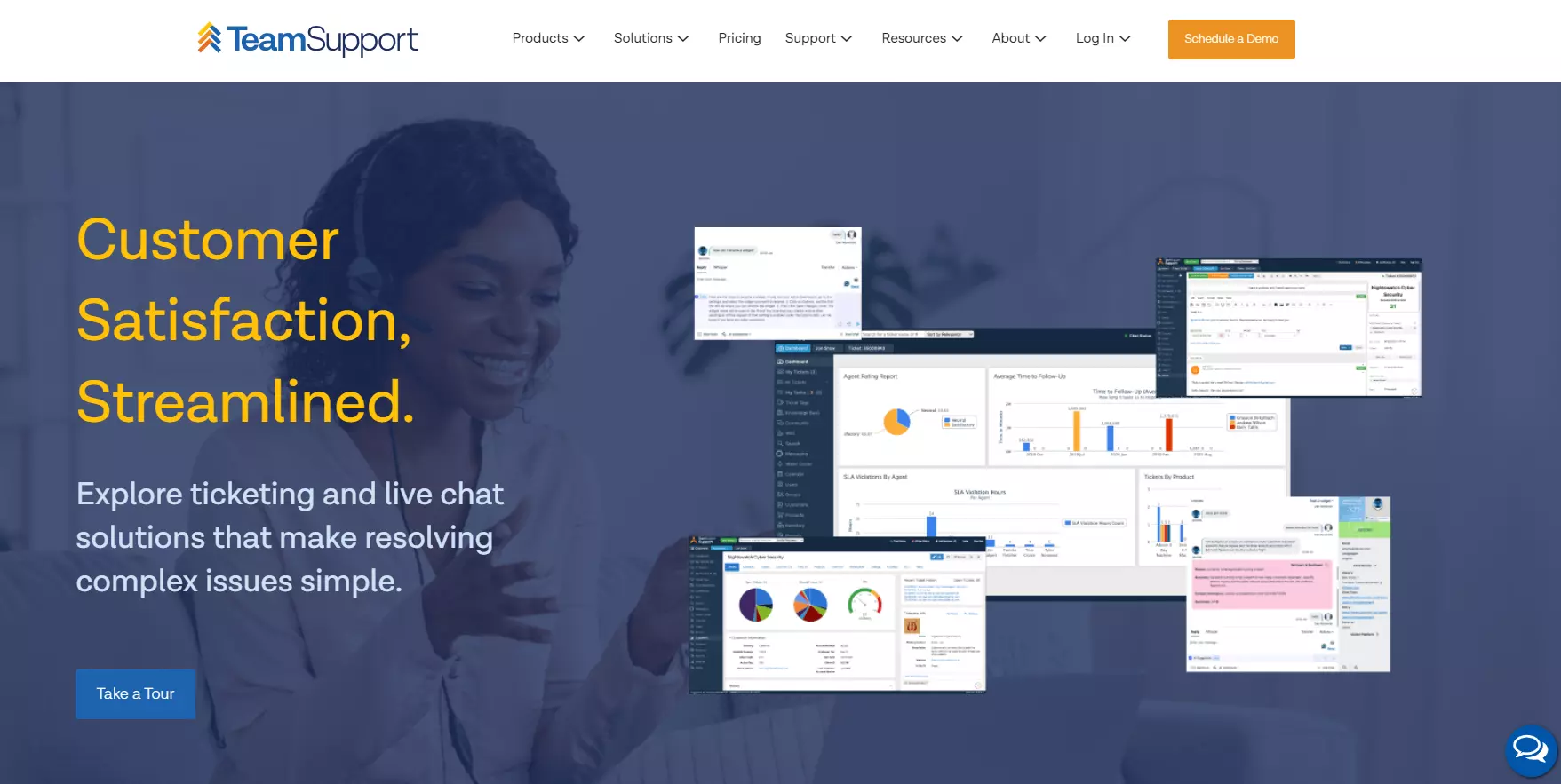
TeamSupport is a B2B-oriented customer service platform and a notable alternative to Help Scout. It integrates with a wide array of third-party applications, including Salesforce, Zoho CRM, Microsoft Teams, and Slack, enhancing operational efficiency and adaptability.
TeamSupport shines as a viable Help Scout alternative, particularly for B2B software and hardware companies. It brings task management, role-based permissions, and call center management to the table, none of which Help Scout offers natively. These features contribute to enhanced team efficiency and more controlled access to resources.
The user-friendly interface of TeamSupport and its reliable customer support stand out as positive aspects. While there’s room for improvement in customization and reporting depth, these don’t overshadow the benefits it offers for account-based B2B support.
Features common to TeamSupport and Help Scout:
Features not present in Help Scout:
B2B businesses in IT services, software, and manufacturing that benefit from account-based ticketing, cross-team collaboration, and product hierarchy tracking.
TeamSupport offers a free trial along with tiered, per-agent pricing:
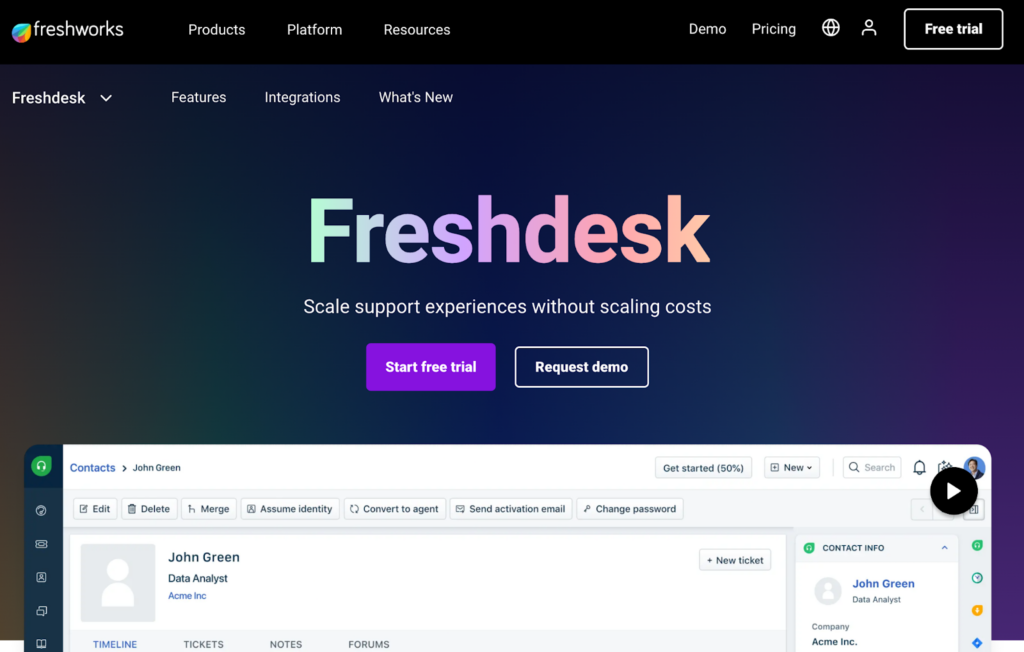
Freshdesk , a product from Freshworks, is a dynamic cloud-based customer service platform and a formidable alternative to Help Scout. Freshdesk integrates with a wide array of third-party applications, including Slack, Mailchimp, Shopify, and Zoom, creating a flexible and streamlined workflow.
Freshdesk’s capabilities include SLA management, social media integration, and call center management through its Freshcaller add-on. Freshdesk presents a well-rounded offering that steps beyond what Help Scout provides, though its Freddy AI features (Copilot and AI Agent sessions) are priced separately from the base plan, similar to Help Scout’s own AI Answers add-on.
Where Freshdesk truly excels is in its intuitive interface and generally responsive support, which are key to an effective help desk. Its limitations, particularly around AI add-on pricing and feature gating at higher tiers, are worth budgeting for in advance.
Features common to Freshdesk and Help Scout:
Features not present in Help Scout:
Small to medium-sized businesses. Freshdesk continues to do well in retail and e-commerce thanks to its multi-channel support, and in travel and hospitality for its SLA management.
Freshdesk’s Free Program covers a small number of agents for a limited period, with paid tiers billed annually:
Freddy AI Copilot (agent-assist) and AI Agent sessions (customer-facing bot) are priced as separate add-ons on top of these tiers.
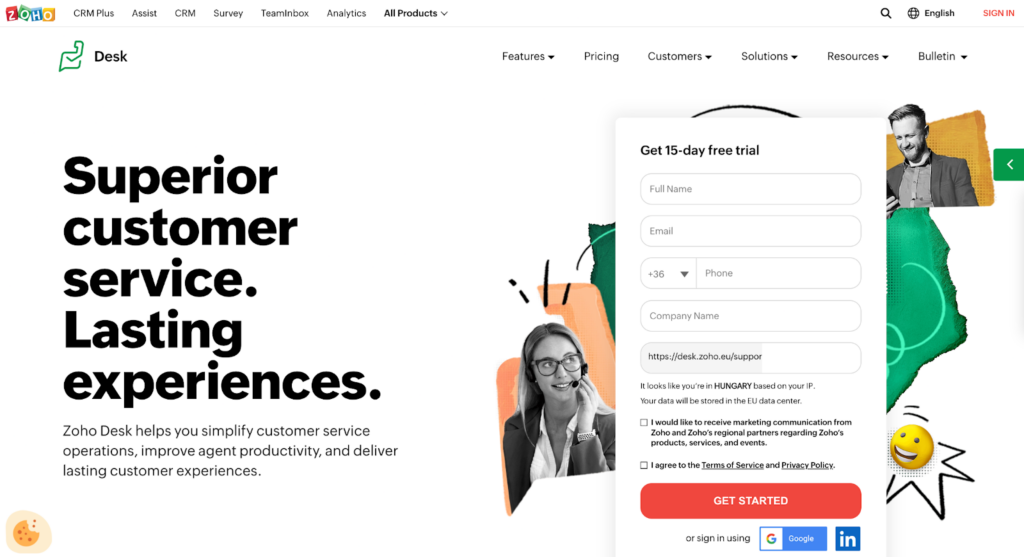
Zoho Desk stands out as a feature-rich, cost-effective alternative to Help Scout. As part of the broader Zoho suite, it offers a well-integrated help desk solution with AI capabilities through Zia. Zoho Desk provides seamless integration with a host of Zoho apps and third-party platforms like Slack, Google Workspace, and Microsoft Teams.
Zoho Desk shines as a compelling Help Scout alternative thanks to its low entry pricing, comprehensive dashboards, and wide integration options. Real-time analytics, SLA management, and AI assistance give businesses meaningful oversight without the price tag of larger competitors, though the deeper Zia AI features (Answer Bot, sentiment analysis) remain reserved for the Enterprise tier.
The unified workspace and integrations are commendable; a somewhat busy interface for new users is the main trade-off.
Features common to Zoho Desk and Help Scout:
Features not present in Help Scout:
Small to medium businesses, especially those already using other Zoho products, or teams that want a genuinely affordable entry point with room to grow into automation and reporting.
Zoho Desk offers a free plan for up to 3 agents plus four paid tiers, billed annually:
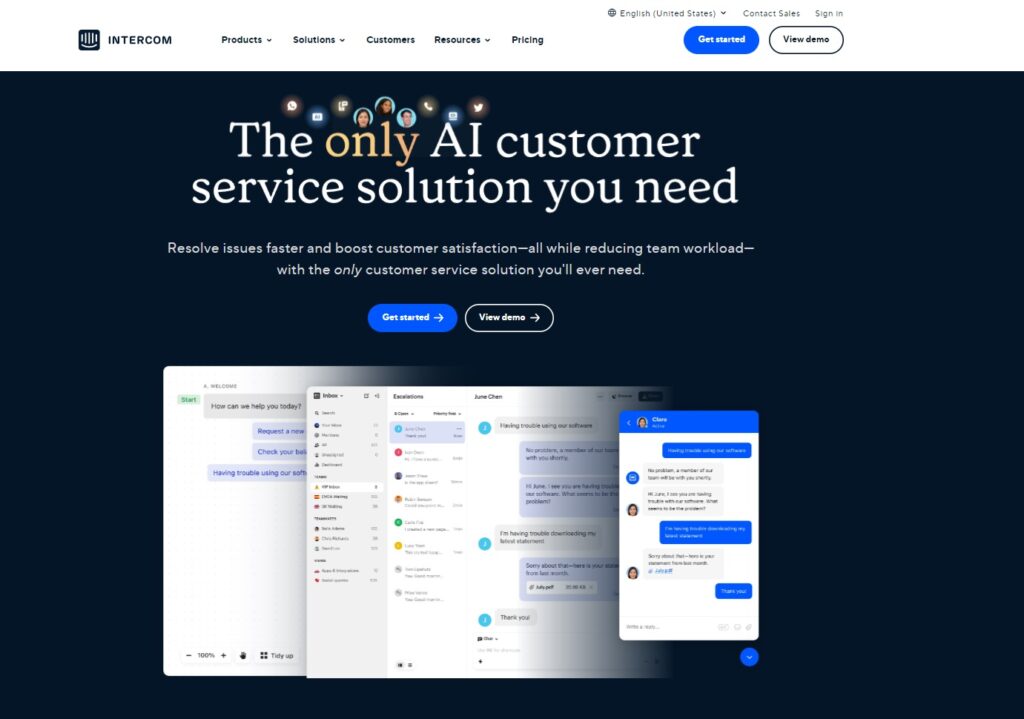
Intercom remains one of the most recognizable names in conversational customer support, and it’s had an eventful 2026: the company rebranded its parent brand to “Fin” (after its AI agent) in May 2026, and in June 2026 Salesforce signed a definitive agreement to acquire it for roughly $3.6 billion. The deal was signed but not yet closed as of mid-2026, and the Intercom product name continues on the help desk itself. It’s worth keeping an eye on this if you’re evaluating Intercom for a long-term contract, since packaging or pricing could shift once the acquisition closes.
Pricing has also changed: Intercom moved from its old Starter/Pro/Premium naming to Essential/Advanced/Expert plans, and its Fin AI agent bills separately at a per-resolution rate rather than being bundled into seats.
Intercom’s core strength, real-time, highly personalized customer engagement backed by strong automation and audience targeting, is unchanged. The trade-off is a two-layer pricing model (seats plus AI usage) that takes more work to budget for than a flat per-agent price.
Features common to Intercom and Help Scout:
Features not present in Help Scout:
Businesses of all sizes that want a modern, AI-forward support and engagement platform, particularly SaaS and e-commerce teams that want proactive messaging alongside reactive support.
Intercom’s Customer Service Suite has three seat-based plans (annual billing), plus separate Fin AI usage charges:
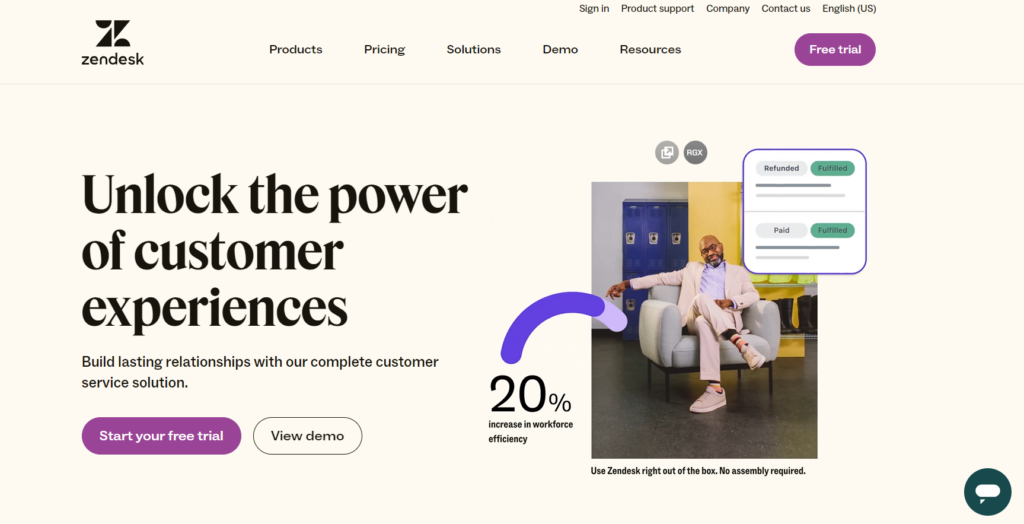
Zendesk Suite is a unified customer service tool known for its holistic approach to customer support. It integrates effortlessly with an array of apps and platforms like Slack, Salesforce, Jira, and Google Workspace, greatly enhancing team productivity.
Zendesk Suite emerges as a compelling alternative to Help Scout, with real-time analytics, an internal knowledge base, and wide-reaching social media integration. In 2026, Zendesk also folded AI agents into every Suite plan with a small included allowance of automated resolutions, though its Copilot AI add-on and deeper automation still carry an additional per-agent fee, and its top Enterprise tier is now quote-only rather than a published price.
While Zendesk Suite offers a wide array of advanced features, these are predominantly available in higher-tiered plans, and add-ons for AI, quality assurance, and workforce management can meaningfully raise the real cost above the sticker price.
Features common to Zendesk Suite and Help Scout:
Features not present in Help Scout:
Medium to large businesses. Zendesk Suite offers retail businesses multi-channel communication and financial institutions robust security and an internal knowledge base.
Zendesk’s Suite plans are billed per agent, per month, annually:
A separate Support-only plan exists at a lower entry price for teams that only need email ticketing without live chat or voice.
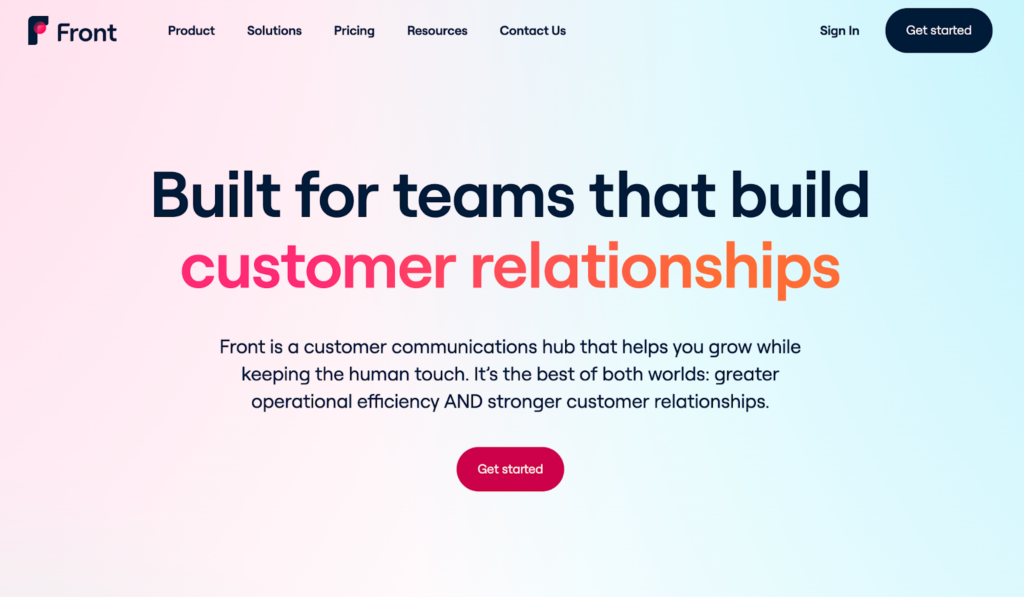
Front is a collaborative inbox platform that brings together all your communication channels into one place, making it an excellent alternative to Help Scout. It integrates with numerous popular platforms such as Asana, Salesforce, and HubSpot, ensuring seamless workflows.
Front simplified its plan lineup in 2026, moving from its older four-tier structure to three plans: Starter, Professional, and Enterprise. Its core strength, an excellent unified platform for managing all communication channels, is unchanged, and features like call routing, SLA management, and AI tools (Copilot, Smart QA, Smart CSAT) remain a step up from Help Scout’s shared inbox.
Front’s AI features are mostly sold as add-ons on the lower two plans and bundled by default (aside from its Autopilot agent) on Enterprise, so it’s worth mapping out which AI capabilities you actually need before comparing prices head-to-head with Help Scout.
Features common to Front and Help Scout:
Features not present in Help Scout:
Medium to large businesses. Tech startups benefit from Front’s unified inbox feature, and e-commerce platforms benefit from its multi-channel support once they’re on Professional or Enterprise.
Front’s current lineup is three plans, billed annually per seat:
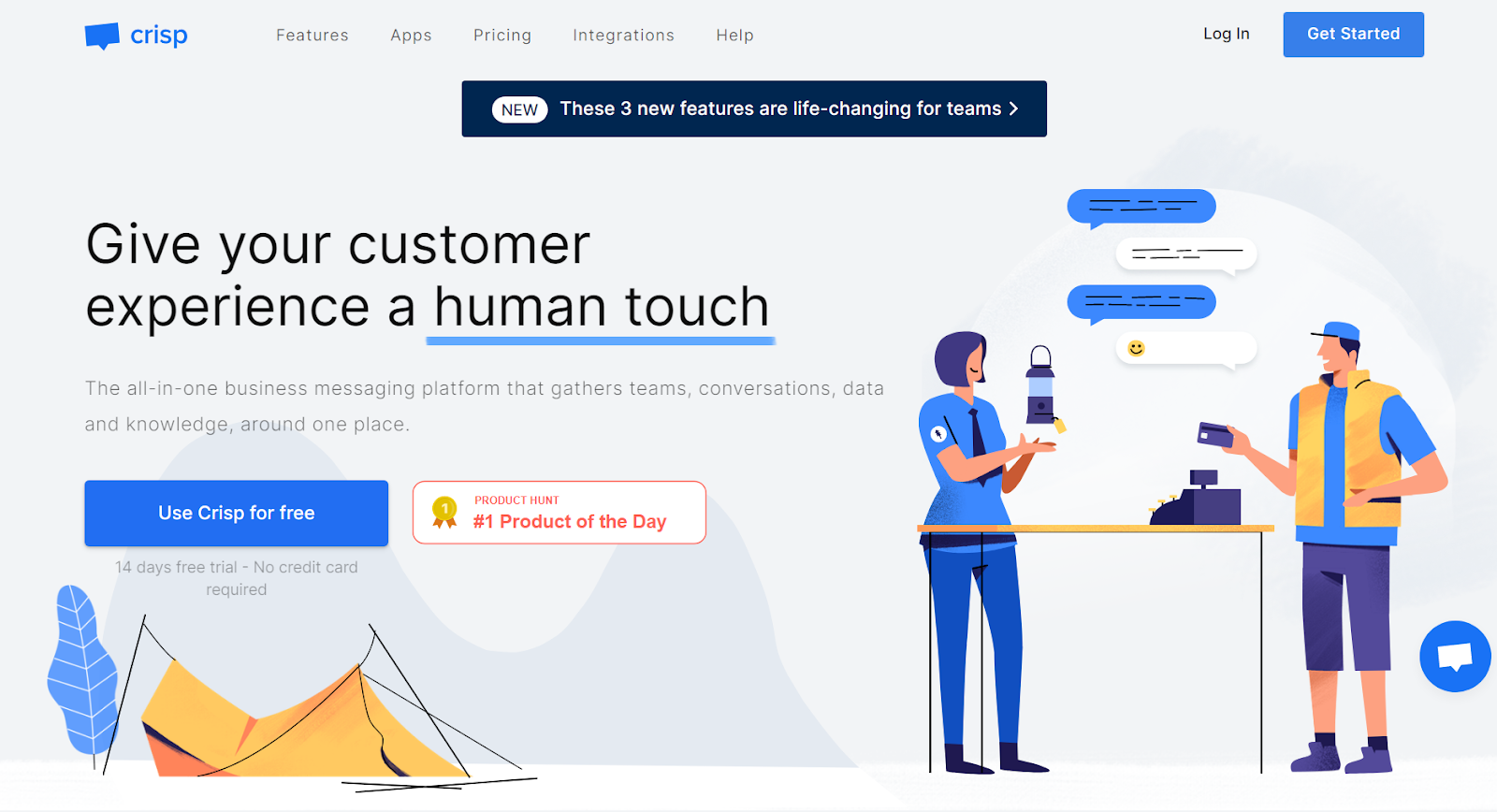
Crisp is a help desk and live chat platform built around flat, per-workspace pricing rather than per-agent fees, which makes it stand out among the alternatives on this list. It offers live chat, a help desk, a knowledge base, customer segmentation, and chatbot functionality, and it integrates with platforms such as Slack, Telegram, email, and Facebook Messenger.
Crisp’s pricing structure has grown since it was a two-tier product: it now spans a permanent free plan and three paid tiers (Mini, Essentials, and Plus), with its AI agent, Hugo, metered by credits that are more generous at higher tiers. For teams that want a predictable, flat monthly bill regardless of headcount, Crisp remains one of the more distinctive options here, especially for small to mid-size teams based in or serving the EU.
Its automation and reporting are lighter than the enterprise-grade options on this list, and each tier has a hard cap on the number of agents until you reach Plus, where extra seats can be added individually.
Features common to Crisp and Help Scout:
Features not present in Help Scout:
Small to mid-size businesses and startups, particularly those that want live chat, a help desk, and an AI chatbot bundled into one predictable monthly price rather than paying per agent.
Crisp uses flat, per-workspace pricing with a capped seat count per tier:
Understanding the integration capabilities of customer service platforms is essential to finding an ideal Help Scout alternative. Many of these alternatives boast a variety of integrations to improve workflow and customer service management.
For instance, LiveAgent stands out with over 200 integrations, including:
HubSpot Service Hub integrates with platforms such as:
Jira Service Management ensures a fluid workflow with integrations like:
TeamSupport optimizes its functionality with:
Freshdesk amplifies its offering with integrations such as:
All these Help Scout alternatives offer diverse integration capabilities, crucial for productivity and efficiency. Aligning these features with your business requirements is a key part of choosing the right customer service platform.
The latest tips and deals delivered straight to your inbox.
The importance of 24/7 customer support in the SaaS industry cannot be overstated. Companies increasingly recognize that it isn’t just an additional feature; it’s a core part of overall service delivery and customer satisfaction in a competitive landscape.
In the global economy, SaaS companies serve customers around the world across many time zones. When a client encounters a software issue mid-workday but can’t get immediate support due to a time difference, the result is service disruption, lost productivity, and customer dissatisfaction. Round-the-clock support ensures help is available whenever and wherever customers need it.
These are the Help Scout alternatives on this list that offer 24/7 support:
(Support hours and channels can change, so it’s worth confirming current coverage directly with each vendor before you commit.)
A key differentiator between Help Scout and many of its competitors often lies in its limitations. While Help Scout can be ideal for simpler customer service needs, particularly for small, email-first teams, it can lack scalability for rapid business growth. Its per-user pricing looks simple at a glance, but the separately billed AI Answers add-on and gated features (WhatsApp, Salesforce and Jira integrations, advanced reporting) mean the real cost and capability gap versus alternatives is worth checking carefully.
Meanwhile, LiveAgent brings native chat integration, a unified inbox, built-in call center capabilities, and AI features bundled into every plan rather than billed per resolution, though other platforms on this list offer comparable functionality in their own ways. LiveAgent’s pricing plans also scale predictably with business needs, appealing to operations of varied sizes.
Before deciding, take LiveAgent for a test drive with a 30-day free trial and see first-hand how it can elevate your customer service. With LiveAgent, you’re not just choosing a platform; you’re choosing a partner dedicated to helping you succeed.
Experience the power of LiveAgent, the top Help Scout alternative with 200+ integrations, advanced features, and 24/7 support.
Share this article
Lilia is a content manager at LiveAgent. Passionate about customer support, she crafts engaging content that highlights the power of seamless communication and exceptional AI-powered service.

Switch to LiveAgent, the ultimate Help Scout alternative! Enjoy 24/7 support, 180+ integrations, AI-powered features & a 30-day free trial.
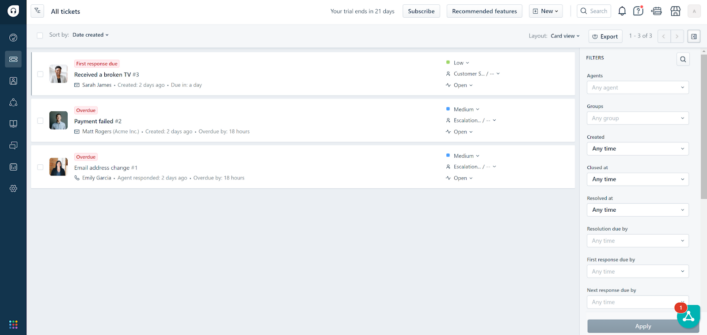
Discover the 15 best Freshdesk alternatives like LiveAgent, Zoho Desk & Salesforce to boost customer service with better pricing & features!
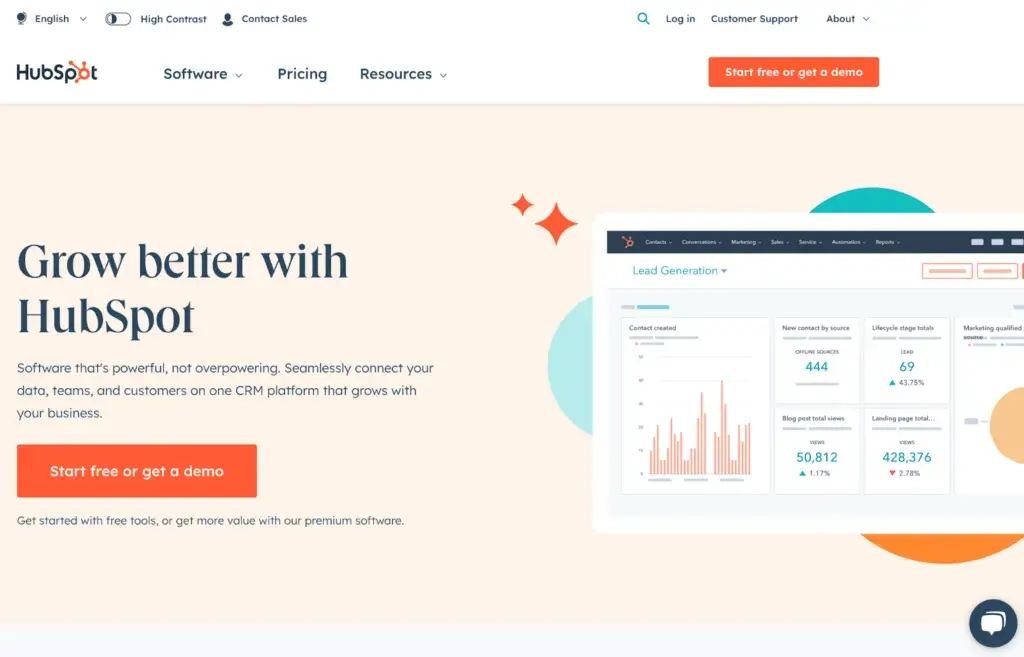
Explore 16 alternatives to HubSpot for CRM and customer service, evaluating features, pricing, integrations, and flexibility to enhance your business efficiency...
Join our community of happy clients and provide excellent customer support with LiveAgent.
Cookie Consent
We use cookies to enhance your browsing experience and analyze our traffic. See our privacy policy.