Fourteen tools went into this review and ten came out genuinely free forever - the strongest all-rounders are Zoho Desk (3 agents), Spiceworks (unlimited tickets, ad-supported) and HubSpot Service Hub (2 users, CRM included). Free almost never means a cap on tickets; it means a cap on agents, ticket history, channels or storage, and whichever cap you hit first decides what you pay later. Check your shortlist against this before you start: Freshdesk, Freshservice and HelpCrunch no longer have a free plan at all, so most lists written before 2026 are out of date.
TL;DR — the shortlist
All ten are free with no expiry date. Agent and ticket limits verified August 2026.
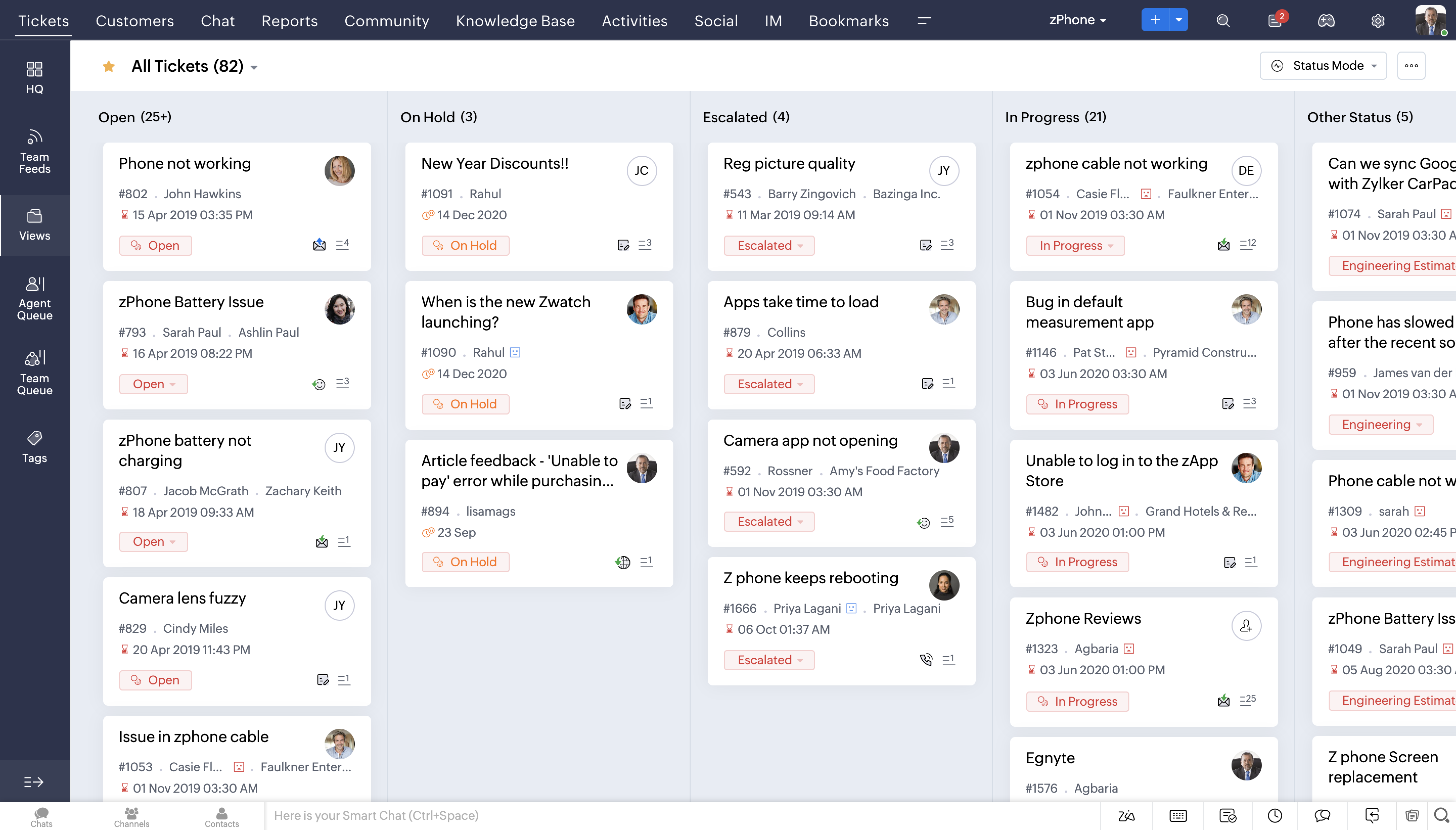
Zoho Desk - free forever for 3 agents, email ticketing, help centre, private knowledge base, basic reporting. No ticket limit.
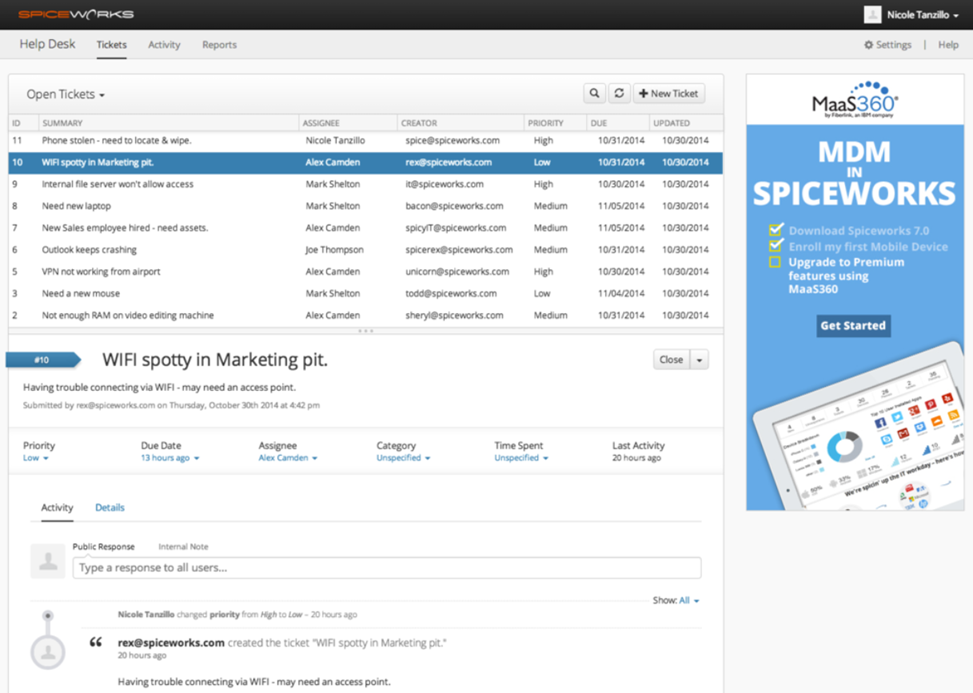
Spiceworks Cloud Help Desk - free forever for 5 technician seats, unlimited tickets, unlimited end users, asset tracking. Ad-supported.
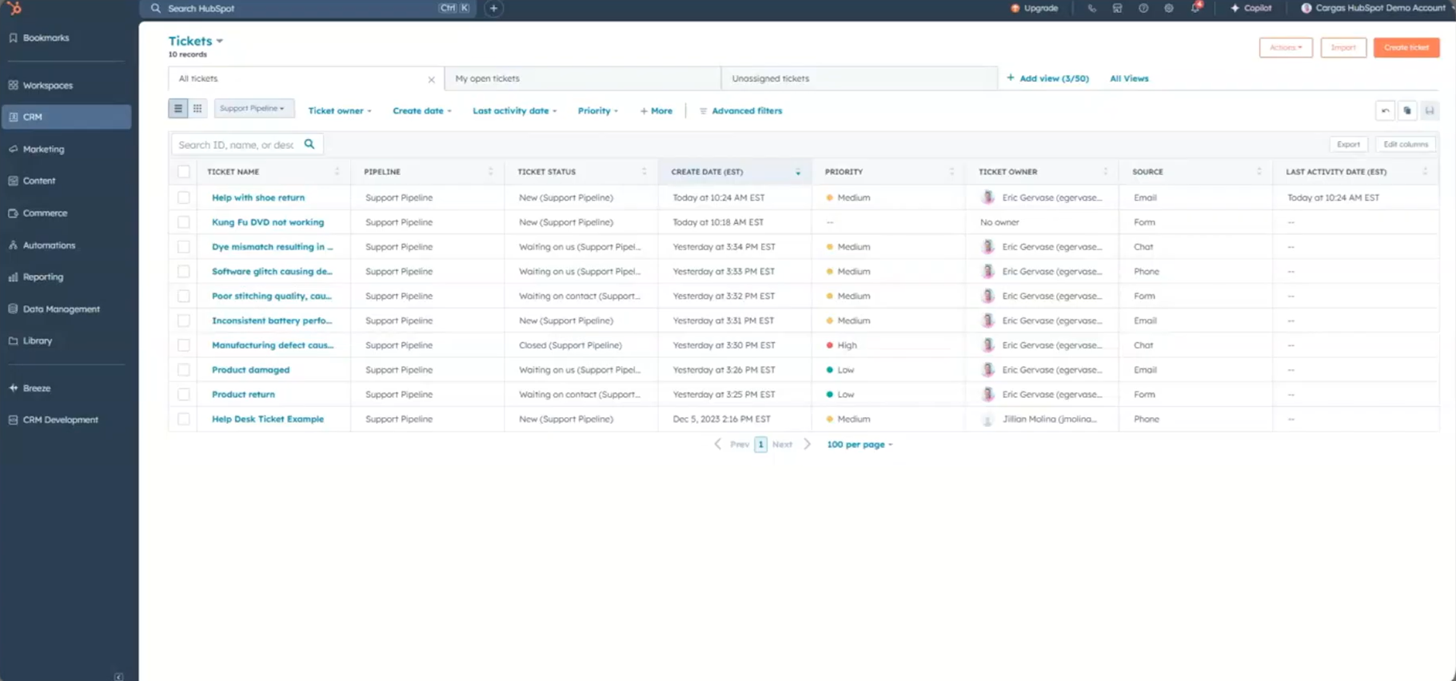
HubSpot Service Hub - free forever for 2 users, one shared inbox, ticketing, live chat, free CRM underneath. ~1,000 contacts.
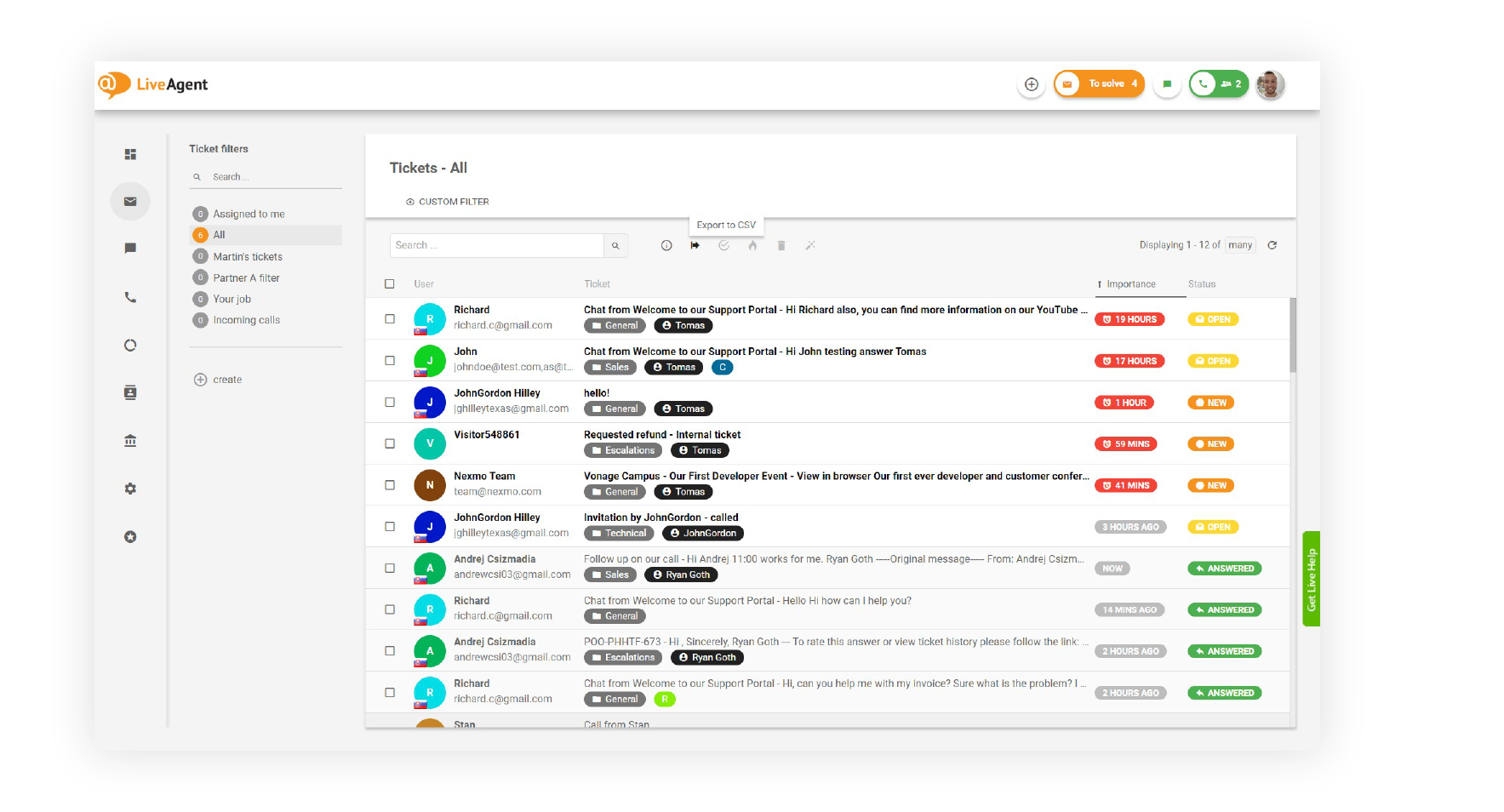
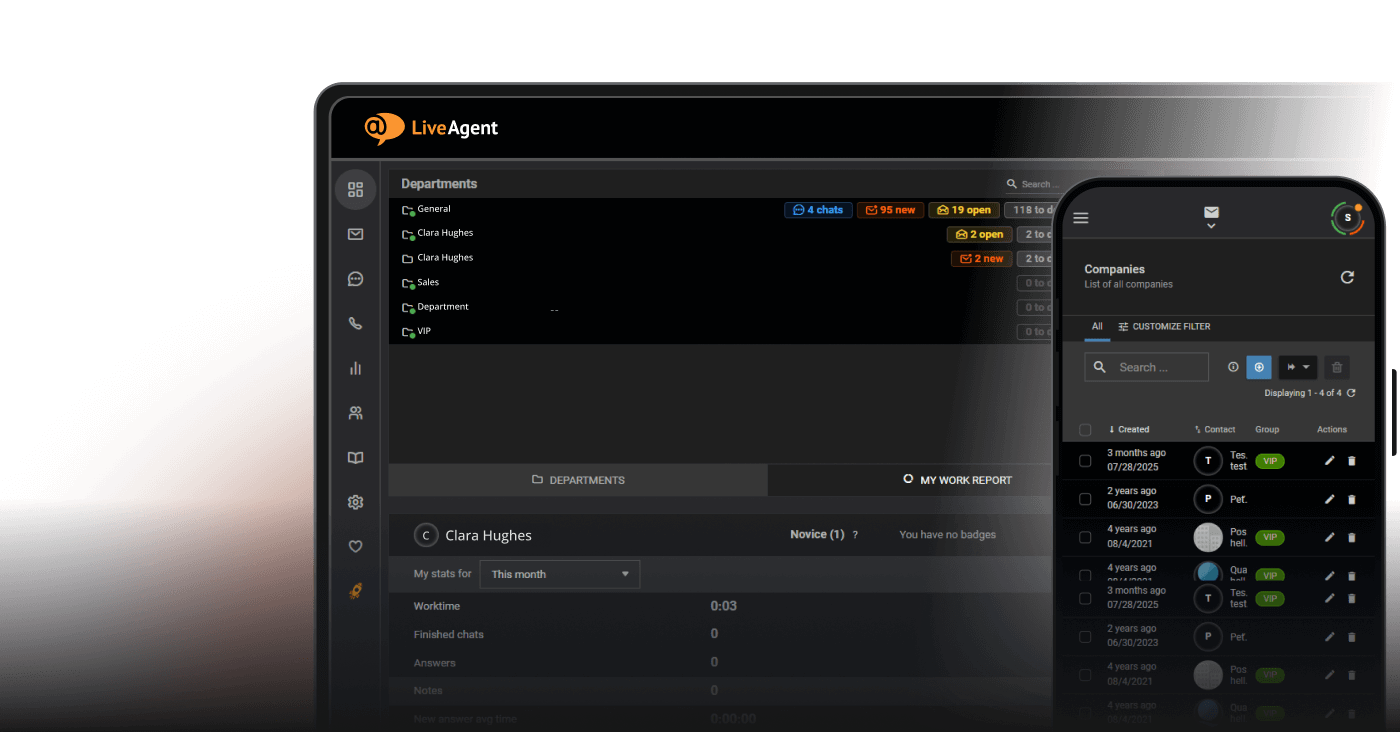
LiveAgent - free forever, unlimited agents, one email address, one chat button, one phone number, 7 days of visible ticket history.
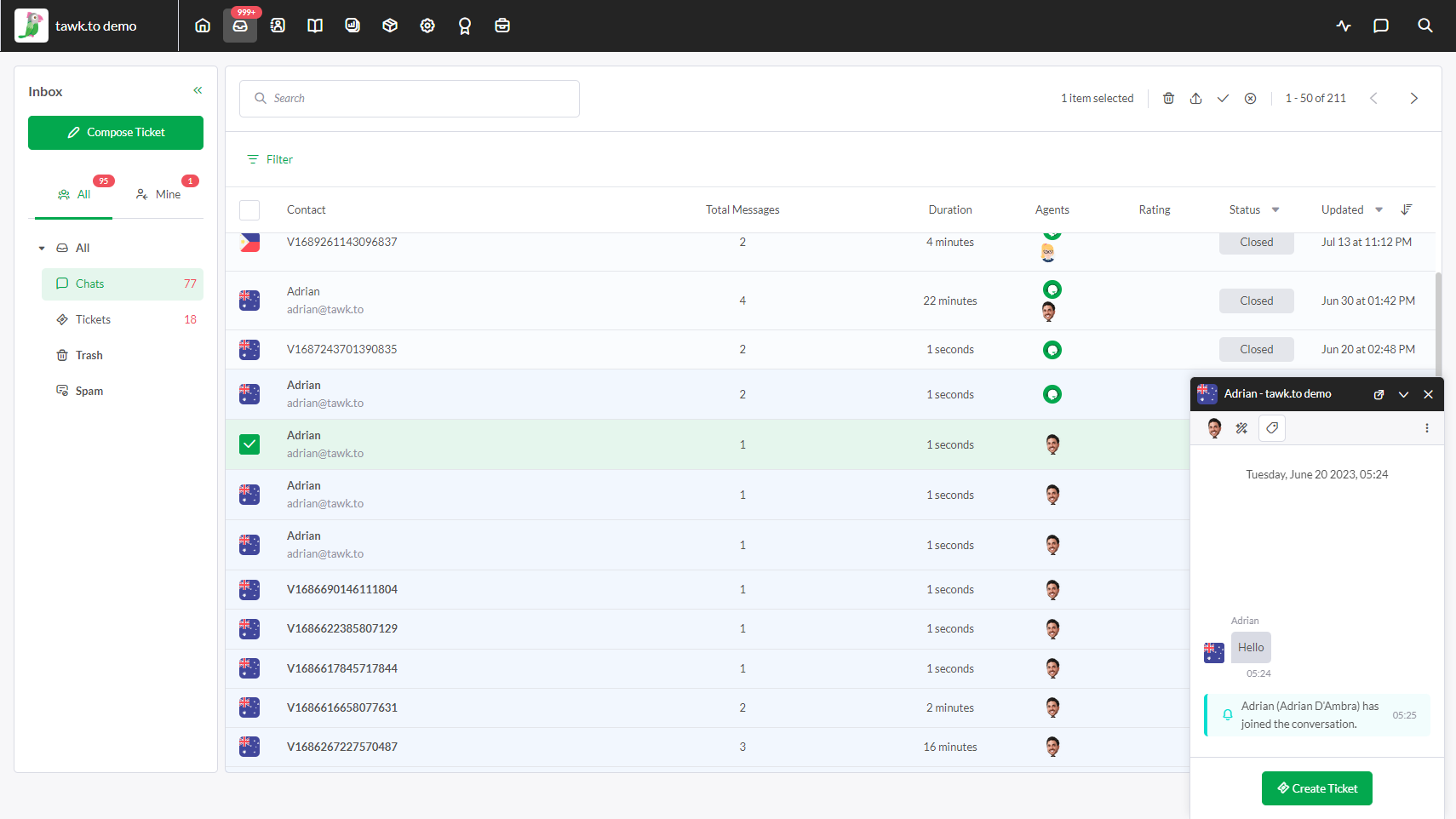
Tawk.to - free forever, unlimited agents, unlimited chats, built-in ticketing and knowledge base. Branding removal is paid.
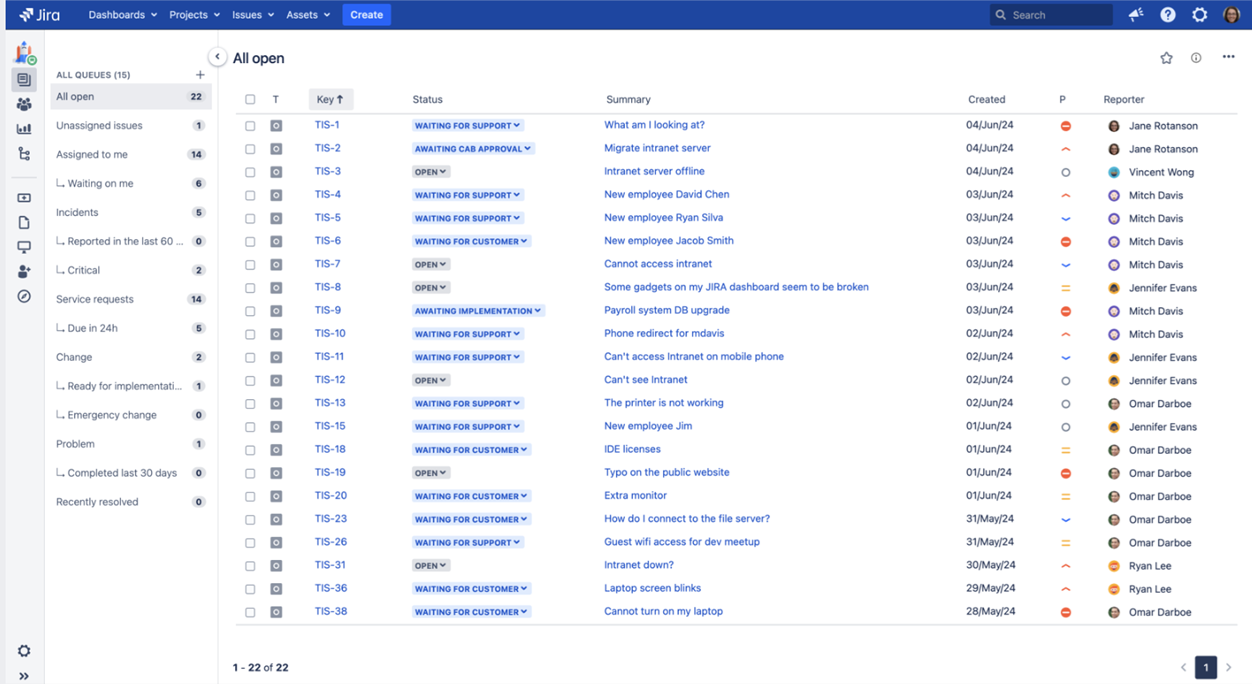
Jira Service Management - free forever for 3 agents, unlimited requesters, 2 GB storage, 100 email notifications a day, 500 automation runs a month.
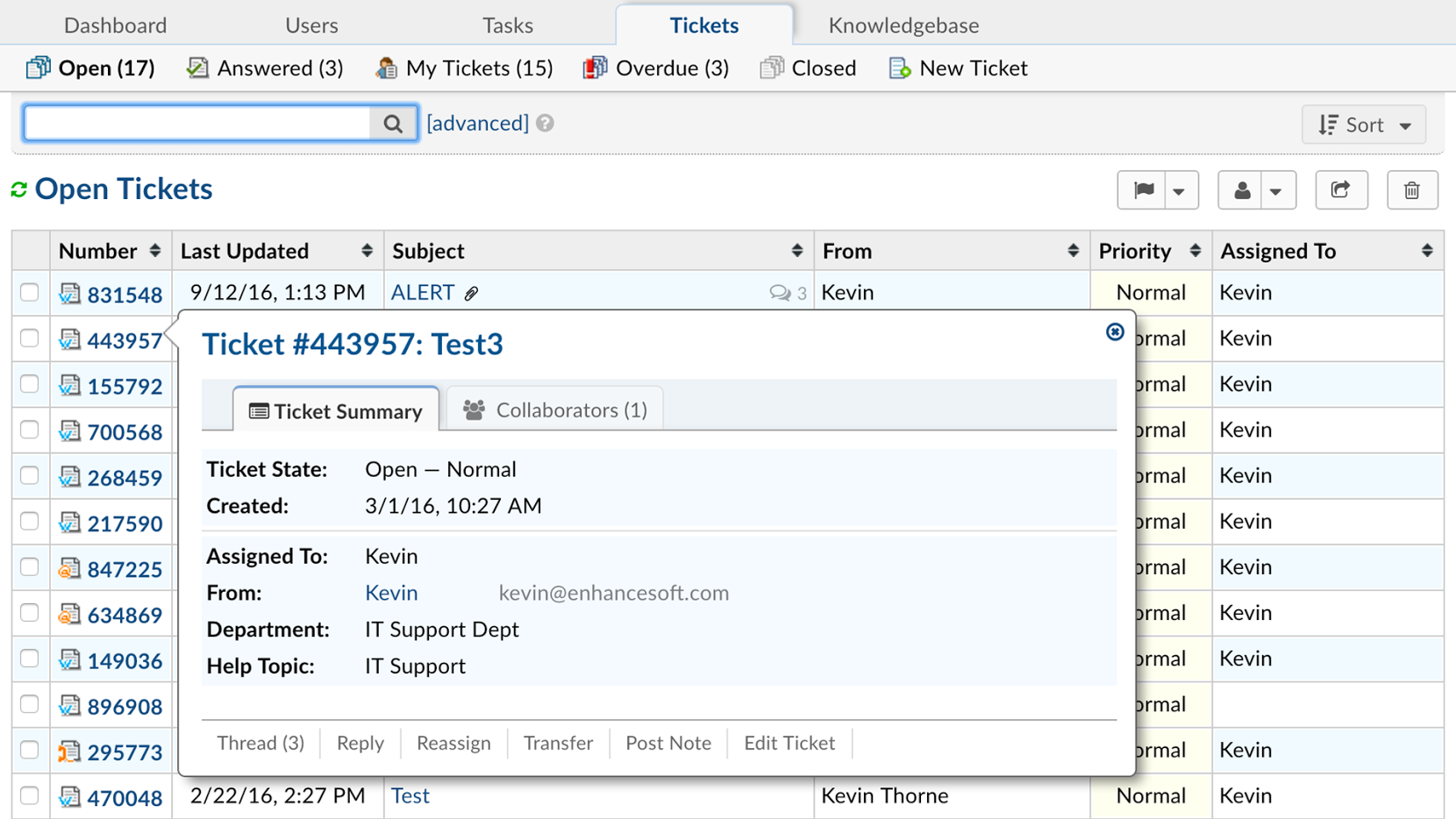
osTicket - free open-source licence, unlimited agents, unlimited tickets, self-hosted. You pay for hosting.
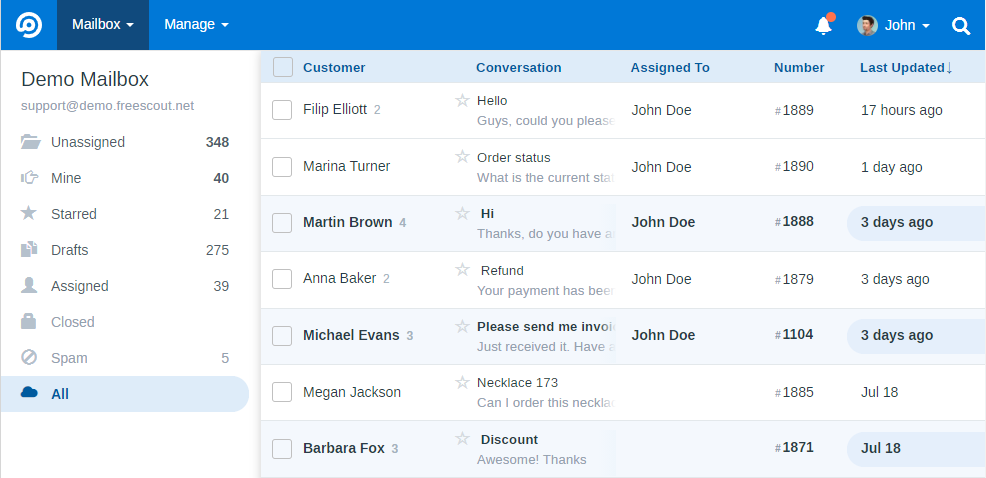
FreeScout - free open-source licence, unlimited agents and tickets, shared-inbox model, runs on shared hosting. Paid modules.
Zammad - free self-hosted community edition, unlimited agents, email, chat, social and phone intake. Heaviest install here.
Hesk - free self-hosted version, unlimited staff accounts, ticket forms and knowledge base. Optional one-time licence removes branding.
Not on the list because they are trials, not free plans: Freshdesk, Zendesk, Freshservice, HelpCrunch. Details in free trials that aren’t free plans
.
Free help desk and ticketing systems compared
Tool
Free forever?
Agent limit
Ticket limit
Channels
Cloud / self-hosted
Paid from
Zoho Desk
Yes
3
None
Email, web form, help centre
Cloud
$7/agent/mo
Spiceworks
Yes (ads)
5
None
Email, portal
Cloud
$6/agent/mo
HubSpot Service Hub
Yes
2
None (~1,000 contacts)
Email, live chat, forms
Cloud
$20/seat/mo list
LiveAgent
Yes
Unlimited
None (7-day history)
Email, live chat, phone
Cloud
$15/agent/mo
Tawk.to
Yes
Unlimited
None
Live chat, email, knowledge base
Cloud
$19/mo per property (branding)
Jira Service Management
Yes
3
None (2 GB storage)
Portal, email, Slack, Teams
Cloud
$20/agent/mo
osTicket
Yes (licence)
Unlimited
None
Email, web forms
Self-hosted
$0 + hosting
FreeScout
Yes (licence)
Unlimited
None
Email, shared inbox
Self-hosted
$0 + hosting + modules
Zammad
Yes (community edition)
Unlimited
None
Email, chat, social, phone
Self-hosted
$0 + hosting
Hesk
Yes
Unlimited
None
Email, web form, knowledge base
Self-hosted or Hesk Cloud
One-time licence
Paid prices are annual billing where the vendor publishes it; monthly billing runs roughly 20-30% higher at most vendors. Freshdesk ($19/agent/mo), Zendesk ($19/agent/mo Support, $55 Suite), Freshservice ($19/agent/mo) and HelpCrunch ($15/user/mo) are deliberately absent from this table - they have no free plan to compare.
Ready to grow your business?
Start your free trial today and see results within days.
We started from a longlist of 14 tools that appear in searches for free help desk and free ticketing software, then applied one filter: can a team still be using this in twelve months without paying? That removed four well-known names whose free tier is now a trial.
For each of the remaining ten, we recorded the free plan terms from the vendor’s own pricing page and help centre rather than from third-party roundups - agent cap, ticket or storage cap, channels, retention, and what the cheapest paid step costs. Where a vendor documents a free program that isn’t on the public pricing page (Freshdesk does), we noted that too.
User sentiment comes from G2 and Capterra rating distributions and from recurring themes in reviews and sysadmin communities, not from single cherry-picked comments. Ratings and review counts are quoted with their platform so you can check them.
All figures were verified in August 2026. Free tiers in this category are re-cut often - three vendors changed theirs in the last eighteen months - so confirm the current terms on the vendor page before you migrate anything.
The 10 best free help desk and ticketing systems
1. Zoho Desk
Zoho Desk
is the most complete cloud help desk you can run at zero cost without touching a server. The free tier is a real plan, not a countdown: email tickets, a branded help centre, a private knowledge base for agents and basic reports, with no expiry.
Free plan limits: 3 agents. One support email address plus web form and help centre. Priority-based SLAs with single-level escalation, two macros, private knowledge base, mobile apps, basic reporting. No live chat, no multichannel intake, no workflow automation beyond those macros.
Best for:small customer support teams of two or three people who work mostly out of a shared inbox and want structure without paying.
Pros:
A genuine free-forever plan with the most feature depth of any capped cloud tier
Priority-based SLAs and two macros on the free plan, which most capped tiers drop
Help centre can be rebranded, which most free tiers don’t allow
Sits inside the Zoho ecosystem if you already use Zoho CRM
Cons:
Three agents is a hard wall, and the entry Express plan only takes you to five
No automation rules, no instant messaging, no social intake on free
Zoho branding stays until you pay
What users say: Capterra reviewers consistently frame it as a value pick rather than a feature leader - one owner in marketing summarised it as “For the cost it meets the basic needs that I am looking for.” (Katie Z., Capterra, March 2026).
2. Spiceworks Cloud Help Desk
Spiceworks
is the closest thing to an unlimited free help desk, and it is aimed squarely at internal IT. Tickets, end users and storage are uncapped; the trade is advertising inside the interface and, since June 2025, a seat ceiling.
Free plan limits: 5 admin or technician seats on the Core plan. Unlimited tickets, unlimited end users, unlimited storage. Includes asset tracking, alerts and reporting. Ads are shown in the app. Adding a sixth active seat without upgrading locks the account down - techs lose access and the support email address stops accepting tickets.
Best for: internal IT teams that need a ticket queue plus basic asset inventory and can live with ads.
Pros:
No ticket, end-user or storage limits at $0
Asset and inventory tracking included, which paid ITSM tools charge for
Set-up is fast and needs almost no training
Unlimited storage and full ticket history - nothing is hidden behind an upgrade
Cons:
Ads in the interface, and removing them requires Premium
Five technician seats, and the sixth-seat lockout is abrupt rather than a warning
Limited customisation and reporting depth
Known for occasional bugs and noisy email notifications
What users say: 4.3/5 from 311 reviews on G2 and 4.4/5 from 586 on Capterra. The free ticketing and the community draw the praise, the ads and thin reporting the complaints - and the seat cap still stings: an IT manager of two years says he is “still bitter about the ‘Free Forever’ initial sales pitch” (Steven M., Capterra, February 2026).
3. HubSpot Service Hub
HubSpot’s
free tools give you ticketing on top of a free CRM, which is the reason to pick it over Zoho Desk. Every ticket opens with the customer’s full record attached - past emails, form submissions, deals - so support doesn’t have to ask sales anything.
Free plan limits: 2 users. One shared inbox, basic ticket pipelines, live chat and conversational bots, email templates and snippets, simple reporting dashboards. Newer free accounts are capped at around 1,000 contacts and one deal pipeline. HubSpot branding appears on the chat widget, emails and forms. No SLAs, no routing, no real automation.
Best for: an early-stage team where the same two people handle sales and support and want one customer record.
Pros:
Free CRM, contact history and ticketing in one place
Live chat and bots included at $0
Clean interface and guided onboarding get a small team live quickly
Scales into a full platform if the company grows into it
Cons:
Two users is the tightest cap on this list
Branding on every customer-facing asset until Starter
No automation at all on free - routing and follow-up are manual
Professional is a steep jump at roughly $90 per seat per month, plus onboarding fees
What users say: around 4.4/5 across roughly 2,500 G2 reviews and 4.4/5 across 191 on Capterra. The recurring praise is the CRM link - a software engineer two years in says “our ticket management and customer data connected directly to our CRM makes handoffs smooth” (Estrella A., Capterra, July 2026). The recurring complaints are the two-user cap, the branding, the missing automation on free, and pricing that feels steep for light users.
4. LiveAgent
LiveAgent
is a multichannel help desk that combines email ticketing, live chat and a built-in call centre. The free plan is unusual in allowing unlimited agents, but the catch is retention rather than headcount: on the free plan, messages in tickets older than 7 days are hidden until you upgrade.
Free plan limits: unlimited agents. One email address, one chat button, one phone number, contact forms, customer forum, basic reports. 7-day visible ticket history (older messages are hidden, not deleted). No integrations, no automation rules, no SLAs, no social channels.
Best for: a team that answers the phone as often as it answers email - the free plan is the only one here that covers both channels without counting seats.
Pros:
Unlimited agents at $0, which only Tawk.to, Spiceworks and the self-hosted tools match
Three channels on the free tier instead of email only
Customer portal and forum included, not just a shared inbox
30-day trial of all paid features, no credit card
Cons:
The 7-day history limit is the harshest retention cap in this list
No automation, integrations or knowledge base software on free
Interface is dense and looks dated next to newer tools
WhatsApp, Instagram and Viber carry extra fees on paid plans, and the mobile app is a common complaint
What users say: 4.7/5 across 1,786 Capterra reviews (ease of use 4.6) and 4/5 across 618 Trustpilot reviews. A CEO at a small IT services firm, two years in, describes it as “an essential tool: it enables us to manage tickets, live chats, and client requests” (Jacopo R., Capterra, May 2026); the mobile app is the most consistent negative.
5. Tawk.to
Tawk.to
is free in the least qualified way of any tool here: unlimited agents, unlimited conversations, unlimited history, no time limit and no card. It is chat-first, with ticketing and a knowledge base attached rather than the other way round.
Free plan limits: none on agents, chats, properties or history. Includes live chat, email ticketing, a hosted knowledge base, visitor monitoring, canned responses and mobile apps. The widget and knowledge base carry “Powered by tawk.to” until you buy the removal add-on, and the free AI tier is limited to 100 message completions a month.
Best for: teams whose support volume arrives through website chat rather than email, and who don’t mind vendor branding.
Pros:
No agent, volume or history caps at all
Ticketing and knowledge base included at $0
Installs with a snippet or a CMS plugin in minutes
Monetised through add-ons, so the core stays free
Cons:
Branding removal is a paid add-on, from $19 a month per property
Ticketing is basic - no SLAs, no queue automation, no ITSM structure
AI Assist is metered and priced per property
Widget customisation is limited and the mobile app can be slow to notify
What users say: Capterra reviewers describe it as stable and effectively cost-free; one operations manager wrote that “Since there is no cost and integrates well with our website, it’s a winner.” (Oscar S., Capterra). The dated UI and weaker integrations are the usual reservations.
6. Jira Service Management
Jira Service Management’s
free plan is a real service desk rather than a stripped inbox: request types, queues, SLAs, an embedded knowledge base and a self-service portal, with unlimited requesters. It is the natural choice if your engineering team already lives in Atlassian.
Free plan limits: 3 agents, unlimited customers and requests. 2 GB file storage, 100 email notifications a day, 500 automation rule runs a month, Atlassian Community support only, one month of alert retention. No asset management or CMDB, no AI virtual agent.
Best for: internal IT, HR or ops teams of up to three agents that need ITSM structure and already use Jira or Confluence.
Pros:
Requesters don’t count as agents, so the whole company can raise tickets for free
ITSM request types, queues and on-call basics out of the box
Deep links to Jira Software, Confluence and Bitbucket
Intake via portal, email, Slack, Teams or an embedded widget
Cons:
Three agents, and Standard is $20 per agent per month
100 email notifications a day is restrictive for a live queue
No vendor support on free - community only
Steep learning curve for non-technical teams
What users say: the most consistent criticism in G2 reviews is setup complexity rather than capability; one reviewer put it plainly: “Setting it up for the first time can be a bit complicated.” (G2 review).
7. osTicket
osTicket
has been running university, government and MSP queues since 2003, and it is still the default answer when someone wants email-to-ticket with no per-agent fee. It belongs to the wider open source ticketing system group, where the licence is free and the hosting bill is yours.
Free plan limits: none on agents, tickets or end users. Email piping, custom forms, per-department queues, ticket filters, basic SLA plans, canned responses. You supply a LAMP host, backups, patching and upgrades. A managed cloud version and commercial support are sold separately.
Best for: a team of three to eight agents with someone comfortable on a Linux box, who needs a reliable ticket record and nothing decorative.
Pros:
No agent cap, no ticket cap, no licence cost
Email piping and routing are dependable and battle-tested
Runs on cheap shared hosting - $5 to $20 a month covers it
Full control over data, which matters for GDPR-sensitive setups
Cons:
The interface is visibly a decade old
No native live chat and a thinning plugin ecosystem
Every upgrade, backup and security patch is your job
Reporting is minimal compared with cloud tools
What users say: 4.4/5 from 44 G2 reviews and 4.3/5 from 76 on Capterra. Reviewers rate the email piping and the customisation highly, the interface less so - an IT assistant manager running it for over two years notes the UI “can feel somewhat outdated compared to newer help desk platforms” (Jeff C., Capterra, May 2026).
8. FreeScout
FreeScout
is an open-source clone of Help Scout: a shared mailbox rather than a form-driven ticket queue. It is the lightest install in this list - it runs on standard shared hosting and needs about 1 GB of RAM.
Free plan limits: none on agents, mailboxes or tickets in the core app. Shared inbox, private notes, collision detection, saved replies, tags and basic reporting are included. Live chat, CRM fields, time tracking and similar extras are sold as paid modules.
Best for: small teams that live in email, want to own their data, and can run a small PHP host.
Pros:
Runs on ordinary shared hosting - lowest infrastructure bar of the self-hosted group
Genuinely pleasant interface for an open-source tool
Installs in under half an hour
Active module marketplace for the gaps
Cons:
Core app is deliberately shallow - depth costs money, module by module
Smaller community than osTicket or Zammad
No native social or e-commerce channels
Volume ceiling arrives sooner than with heavier platforms
What users say: 4.2/5 from 13 Capterra reviews (customer service 3.5) and no established G2 profile - a small base. The recurring complaint is the module model, not the app: a CEO who eventually moved to a paid tool says he “had to pay extra for necessary features, had no support behind it” (Lukasz D., Capterra, January 2023).
9. Zammad
Zammad
is the open-source option that feels like a current SaaS product. The community edition is free to self-host with no agent limit, and it takes email, chat, social and phone into one queue - the widest channel mix of any free tool here.
Free plan limits: none on agents or tickets in the self-hosted community edition. Multichannel intake, SLAs, text modules, reporting and a knowledge base are included. The stack is heavy: PostgreSQL, Elasticsearch and Redis, realistically 4 to 8 GB of RAM. Hosted plans and self-hosted support subscriptions are paid.
Best for: a technically confident team that wants multichannel ticketing, data ownership and no per-agent fee.
Pros:
Modern interface and a proper audit trail
Email, chat, social and phone in one queue at $0 licence cost
No agent cap, so cost doesn’t scale with headcount
Actively developed with a healthy plugin community
Cons:
Heaviest infrastructure requirement in this comparison
Ruby stack that fewer sysadmins can debug quickly
Multi-tenancy is logical separation, not hard isolation
Small review base, so there’s less public evidence to lean on
What users say: 4.5/5 across roughly ten G2 reviews and 4.6/5 from seven on Capterra - a small sample either way. A software engineer who runs it for both internal and customer support rates it 5/5 overall, but says the analytics “lack detail and require additional effort to create customized reports” (Capterra, January 2026); an earlier reviewer reports slowdowns as ticket volume grows.
10. Hesk
Hesk
is the simplest self-hosted help desk that still counts as a ticketing system. A single PHP installer, a MySQL database, shared hosting, and you have ticket forms, categories, priorities, canned replies and a knowledge base.
Free plan limits: the downloadable version is free with no per-user fee and no trial period. Staff accounts, ticket categories, custom fields, email templates and the knowledge base are included. “Powered by Hesk” branding stays unless you buy the optional one-time licence, which also includes a year of email support. Hesk Cloud is a separate managed service with flat plans instead of per-agent pricing.
Best for: a school, nonprofit or small shop that wants a working queue this week and already has cPanel hosting.
Pros:
Fastest self-hosted setup here - minutes, not hours
Runs on the cheapest shared hosting with no dependency stack
Unlimited staff accounts - nothing in the free version counts seats
Over 20 years of development and more than 35 languages
Cons:
Interface and customisation are the most limited in this list
No native chat or social channels
You outgrow it quickly past a few thousand tickets a month
Removing branding requires the paid licence
What users say: 4.4/5 from eight Capterra reviews and 4.7/5 from six on G2 - a very small sample either way. A sysadmin who ran it for years before moving on says “features/support are lacking compared to premium ticket system options” (Samuel D., Capterra, May 2021); another long-term user argues the paid licence is cheap enough that the free version, which comes without support, isn’t worth it.
Join our newsletter
The latest tips and deals delivered straight to your inbox.
Free trials that aren’t free plans
Four well-known tools appear on almost every “free help desk” list and shouldn’t. This is where the market moved between 2025 and 2026, and it is the single most common reason a shortlist has to be redone.
Freshdesk retired its open-ended 10-agent free plan. What exists now is a Free program for up to 2 agents that runs for 6 months, documented in Freshworks’ help centre but not on the public pricing page - and not available on Freshdesk Omni, which is where most signups land. The pricing FAQ is explicit that accounts which don’t convert are suspended. Paid starts at $19 per agent per month.
Zendesk has no free plan and never advertises one - a 14-day trial, then Support from $19 or Suite from $55 per agent per month, with AI add-ons priced on top.
Freshservice has no free tier either, only a 14-day trial, with Starter from $19 per agent per month on annual billing. Worth knowing if you are shopping for internal IT.
HelpCrunch discontinued its free tier. It now runs a 14-day trial with paid plans from $15 per user per month, and its AI conversations are metered.
Spiceworks deserves a footnote here rather than a full entry: Core is still free, but the Premium tier launched on 1 June 2025 and the free plan now stops at five technician seats.
The practical lesson: look for the phrase “free forever” or a documented permanent plan. “No credit card required” describes trials and free plans equally, and tells you nothing.
Free help desk vs free IT service desk - which do you need?
The two look identical in a feature list and behave differently in practice, and picking the wrong one is how teams end up migrating twice.
A customer help desk handles requests from people outside the company. Tickets arrive by email, chat or a web form, identity is loosely known, and the metrics that matter are first response time, resolution time and satisfaction. Channel coverage and a public knowledge base are what you’re buying.
An IT service desk handles requests from people inside it. The requester is a known employee, so tickets attach to a person, a device and often an approval chain. You need asset and configuration tracking, request catalogues, and ITSM processes - incident, problem and change management. The metric that matters is service continuity, not sentiment.
Three tools on this list fit internal IT specifically:
Spiceworks - unlimited end users and built-in asset tracking, up to 5 technicians
Jira Service Management - ITSM request types, queues and SLAs for 3 agents, unlimited requesters
osTicket - per-department queues with no agent cap, if you can host it
Free tiers almost always drop exactly the things that make a service desk a service desk: SLA management, change and approval workflows, and a real CMDB. If your IT processes are still “log it, fix it,” free is genuinely enough. If an auditor is going to ask who approved a change, budget for a paid ITSM tier from the start.
What to look for in a free help desk
Which cap you hit first. Every free plan walls off something - agents, history, storage, channels. Identify your first wall before you configure anything, because it tells you what you’ll be paying next year.
Free forever vs time-limited. A six-month program and a permanent plan look the same at signup and very different in month seven. Check the vendor’s own help centre, not a roundup.
Channel coverage. Count the channels your customers actually use. Most free tiers are email-only; chat and phone on free are the exception, not the rule.
Ticket retention. Ask how long you can see ticket history. Hidden or purged history breaks reporting and makes a later migration much harder.
Automation and SLAs. These are the first features removed from free plans, and they’re what keeps a queue from decaying once volume grows.
Export and portability. Confirm CSV or API export works on the free plan while the account is active. Without it you’re choosing a tool you can’t leave.
The real cost of self-hosting. A free licence still means a server, backups, patching and someone’s time. Below roughly seven agents, cloud usually wins on total cost.
Branding and trust. Vendor branding on widgets and emails is normal on free tiers; decide whether that’s acceptable on customer-facing pages before you launch it.
When free stops being enough
Free plans rarely fail because of tickets. They fail at one of three points: the agent cap, ticket retention, or missing automation.
The agent cap comes first for most teams. Zoho Desk and Jira Service Management stop at 3 agents, HubSpot at 2, Spiceworks at 5 - and Spiceworks locks the account rather than warning you. Retention is the quieter one: LiveAgent’s free tier hides messages older than 7 days, Jira Service Management gives you 2 GB of storage. Automation is the last: without routing rules and SLAs, a queue over roughly 200 tickets a month starts leaking response time no matter how good the agents are.
What the next step costs, for the tools most likely to be on your shortlist:
Spiceworks Premium - $6 per agent per month, removes ads and the seat ceiling
Zoho Desk Express - $7 per agent per month, but capped at 5 agents; Standard at $14 removes the cap and adds live chat
LiveAgent Small - $15 per agent per month, full ticket history, unlimited email addresses, integrations
Jira Service Management Standard - $20 per agent per month, SLAs, asset management, 5,000 automation runs
Freshdesk Growth - $19 per agent per month, where teams leaving the 6-month program land
If your ceiling is retention or channels rather than headcount, LiveAgent’s free plan upgrades into full ticket history and unlimited email addresses for $15 per agent per month - the cheapest full multichannel step in this comparison. If the ceiling is seats and you need internal asset tracking, Spiceworks Premium at $6 is cheaper. For a wider view of the paid options at this size, see our guide to help desk software for small business.
One thing to do before you upgrade anything: export your tickets. Every migration is easier from a CSV you already have than from an account whose trial has expired.
Share this article
Daniel oversees marketing and communications at LiveAgent as a member of the inner product circle and company top management. He previously held various managerial positions in marketing and client communication. He is recognized as one of the experts on AI and its integration into the customer service environment.
Daniel Pison
Marketing and Communication Strategy Lead
Frequently asked questions
Yes, but 'completely free' means different things. Self-hosted tools like osTicket, FreeScout, Zammad and Hesk carry no licence fee and no agent cap - you pay for a server instead, typically $5-$20 a month. Cloud tools with a free-forever plan (Zoho Desk, HubSpot Service Hub, Jira Service Management, LiveAgent, Tawk.to, Spiceworks) cost nothing but cap something else: agents, ticket history, channels or storage. What no longer exists is a large, unrestricted free cloud plan - Freshdesk retired its 10-agent version and now runs a 6-month program for up to 2 agents.
For a customer-facing team of two or three, Zoho Desk's free plan is the most complete: 3 agents, email ticketing, a help centre and a private knowledge base with no time limit. If your support and sales data need to live together, HubSpot Service Hub's free tools give you ticketing plus a CRM record for 2 users. If you need chat as the main channel rather than email, Tawk.to is free for unlimited agents and unlimited conversations.
Yes, and three of the tools on this list are built for it. Spiceworks Cloud Help Desk is free for up to 5 technician seats with unlimited end users and includes asset tracking. Jira Service Management's free plan covers 3 agents with unlimited requesters and ITSM request types. osTicket has no agent cap at all if you can host it. What free ITSM tiers usually drop is SLA management, change and problem workflows, and a real CMDB.
Your data is normally kept but locked. Freshdesk's public pricing FAQ states that if you don't pick a paid plan the account is suspended; LiveAgent's free plan hides messages in tickets older than 7 days and restores them when you upgrade. Before you commit to any tool, check whether it can export tickets to CSV or via API while the account is still active - that export is what makes a later migration possible.
Not in the way it used to be. The open-ended 10-agent free plan is gone. Freshworks now documents a Free program for up to 2 agents that runs for 6 months, it is not listed on the public pricing page, and it is not available on Freshdesk Omni. After that, paid plans start at $19 per agent per month on annual billing.
Rarely. Almost every free plan in this category caps agents, channels, storage or history rather than ticket volume - Zoho Desk at 3 agents, HubSpot at 2 users, Jira Service Management at 3 agents and 2 GB of storage, LiveAgent at 7 days of visible ticket history. The practical ceiling is how many tickets a capped number of agents can answer without automation, since automation rules and SLAs are the first features free tiers remove.
The 10 best email ticketing & help desk systems: Guide & review
Discover the top 15 email support ticketing systems for 2025 to enhance customer service and team productivity. Explore features, comparisons, best practices, a...
Top 10 Remote Help Desk Software In 2025: Review & Guide
Explore the top 15 remote help desk software for 2025, featuring reviews and benefits like improved satisfaction, cost savings, and enhanced security. Learn how...