



Sendmail
Integrate Sendmail with LiveAgent for secure, efficient email routing and enhanced customer support. This open-source solution supports various mail-transfer me...
3 min read



Cisco Secure Email offers robust protection against phishing, spam, and malware for large companies. Integrate it with LiveAgent’s ticketing system to enhance customer support and secure email communication.
Cisco Secure Email is an email server solution ideal for large companies that need a secure email solution. Its high level of security is its key feature and makes it the go-to solution for companies that require a high level of protection. It offers antivirus, spam protection, phishing protection, domain protection, spoofing protection as well as encryption options.
Cisco Secure Email is an email server solution ideal for large companies that need a secure email solution. Its high level of security is its key feature and makes it the go-to solution for companies that require a high level of protection. It offers antivirus, spam protection, phishing protection, domain protection, spoofing protection as well as encryption options.
Cisco Secure Email is the go-to solution for larger companies and corporations that need to connect a large number of email accounts. Cisco provides amazing security options that ensure your conversations will be safe. It has some of the best options for protecting email connection with antivirus and antispam as standard features. Phishing and domain protection, spoofing protection, and encryption can prove to be very handy when working with sensitive information.
Cisco Secure Email can be integrated with LiveAgent ticketing software. This can highly enhance its customer support capabilities while providing a high level of data protection.
LiveAgent can help organize your email communication and convert it into tickets that can be easily solved from the interface. Ticketing is also heavily supported by productivity features that allow you to be more efficient. Take a look at the universal inbox, canned messages, or split tickets to see how useful they can be to each customer support agent. Make use of automation rules to automate repetitive tasks and create time for more important matters.
Besides email communication, LiveAgent can handle more customer support channels. Enjoy access to live chat, call center, customer portal, or social media. Add Facebook, Twitter, Instagram, WhatsApp and Viber to enhance your social media capabilities. Every customer service channel is supported by its own range of features to make your work easier. Have a look at the full list of features and find out how they can help you out in various situations.
Switch to LiveAgent and provide safe customer support for all of your your customers.
You can integrate Cisco Secure Email with LiveAgent’s ticketing system using IMAP/POP3. Click the LiveAgent configuration option to access this option. Below you will find a step-by-step guide for integrating Cisco Secure Email with your ticketing system.
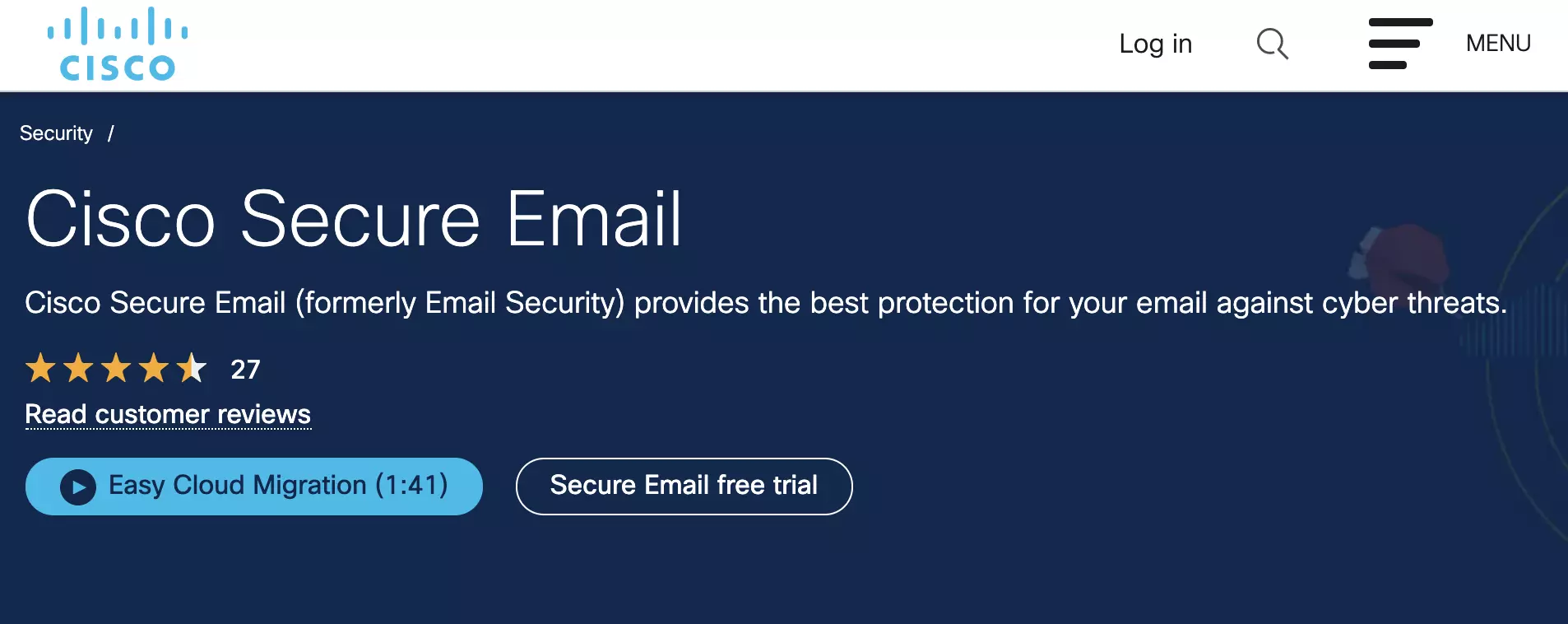
Do you need to get Cisco Secure Email first? Go to the Cisco Secure Email website and opt for a free trial before you pay for a plan. After you have set up Cisco Secure Email, switch to LiveAgent and continue with the next steps.
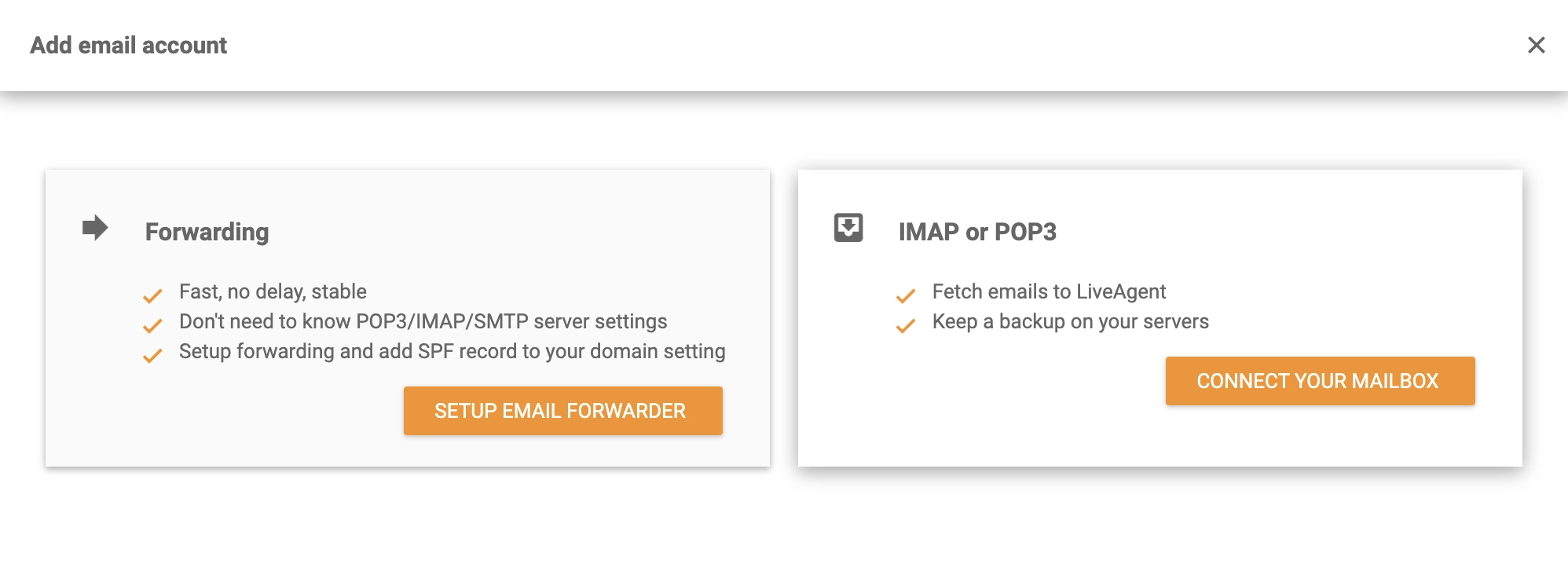
Go to your LiveAgent account once Cisco Secure Email is set up and ready to use. Create your free trial first if you don’t have one yet. You can now add your email in Configuration > Email > Mail Accounts by clicking the Create button at the top. The email provider list will open. Choose Other at the bottom, then select IMAP/POP3 from the next window.
To complete the integration, you need to provide your Cisco Secure Email details to LiveAgent. You will be asked to provide your username, password, and email address. You can then select a fetching method and specify server information. Make sure to select the department that will handle tickets from this email address. At the bottom of the window, click the Save button when you are satisfied with your configuration.
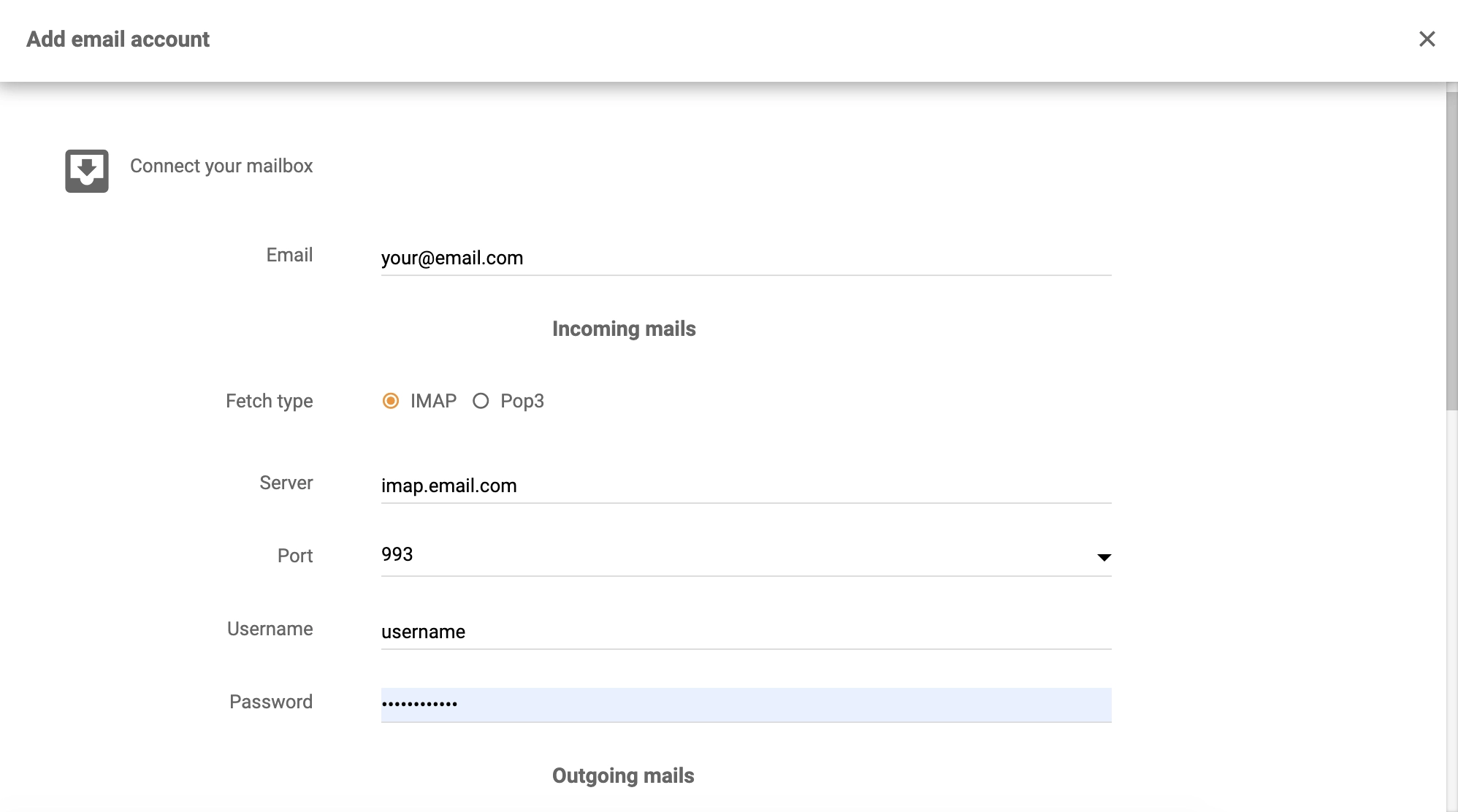
You’re finished and LiveAgent will now fetch Cisco emails into your ticketing system. Feel free to add more email accounts, or create more integrations. Check out LiveAgent Academy to learn about providing customer support, or watch the tour video below to learn more about LiveAgent.

No problem! LiveAgent offers a 30-day free trial where you can test the Cisco Secure Email integration!
Integrate Sendmail with LiveAgent for secure, efficient email routing and enhanced customer support. This open-source solution supports various mail-transfer me...
MDaemon is a Windows email server offering secure email, mobile management, and email archiving. It's budget-friendly for small businesses with user-based prici...
Zentyal is a Linux-based email server and groupware solution for SMBs, offering Microsoft Active Directory compatibility, antivirus/antispam protection, and int...
Join our community of happy clients and provide excellent customer support with LiveAgent.
